

TL;DR:
- CRM integration connects attendee data across the event lifecycle, enabling measurable ROI.
- Actively using CRM signals for real-time decision-making boosts event success and conversion rates.
- Data quality and workflow standardization are essential for maximizing CRM's impact on event marketing.
Proving event ROI remains one of the most stubborn challenges in B2B marketing. Even as technology adoption rises, 40% of organizers still struggle to demonstrate the business impact of their events. CRM (customer relationship management) platforms are often treated as simple contact databases, but that undersells their real power. When used strategically, a CRM becomes the connective tissue between attendee behavior, engagement data, and measurable outcomes. This article covers how CRM integration reshapes event success, from pre-event planning through post-event follow-up, and how you can turn raw data into credible ROI claims your leadership team will trust. 📊
Table of Contents
- Why CRM is central to modern event success
- Key functions of CRM in the event lifecycle
- From engagement to measurable ROI: The data workflow
- Solving the common challenges: Making CRM work for your events
- A practical perspective: Why data isn't enough—action drives event ROI
- Maximize your event's potential with smarter CRM workflows
- Frequently asked questions
Key Takeaways
| Point | Details |
|---|---|
| CRM powers event ROI | Integrating a CRM lets you track every touchpoint and proves your events’ impact. |
| Integration boosts confidence | Centralizing event data in a CRM increases your team’s certainty about marketing effectiveness. |
| Actionable insights matter | Event success comes from acting on CRM data quickly, not just collecting it. |
| Common pitfalls are solvable | Addressing data gaps and automating follow-up can resolve the top CRM challenges in event marketing. |
Why CRM is central to modern event success
Event marketing has evolved. The days of siloed spreadsheets and disconnected registration tools are giving way to centralized platforms that connect every touchpoint in the attendee journey. CRM sits at the center of that shift, acting as the single source of truth for who attended, what they engaged with, and where they are in the buying process.
The numbers tell a compelling story. 79% of organizers integrate their event platforms with CRM, yet 40% still struggle to prove ROI. That gap matters. It means most teams have the infrastructure but haven't fully activated it. Integration alone isn't the answer. You need a workflow that translates data into decisions.
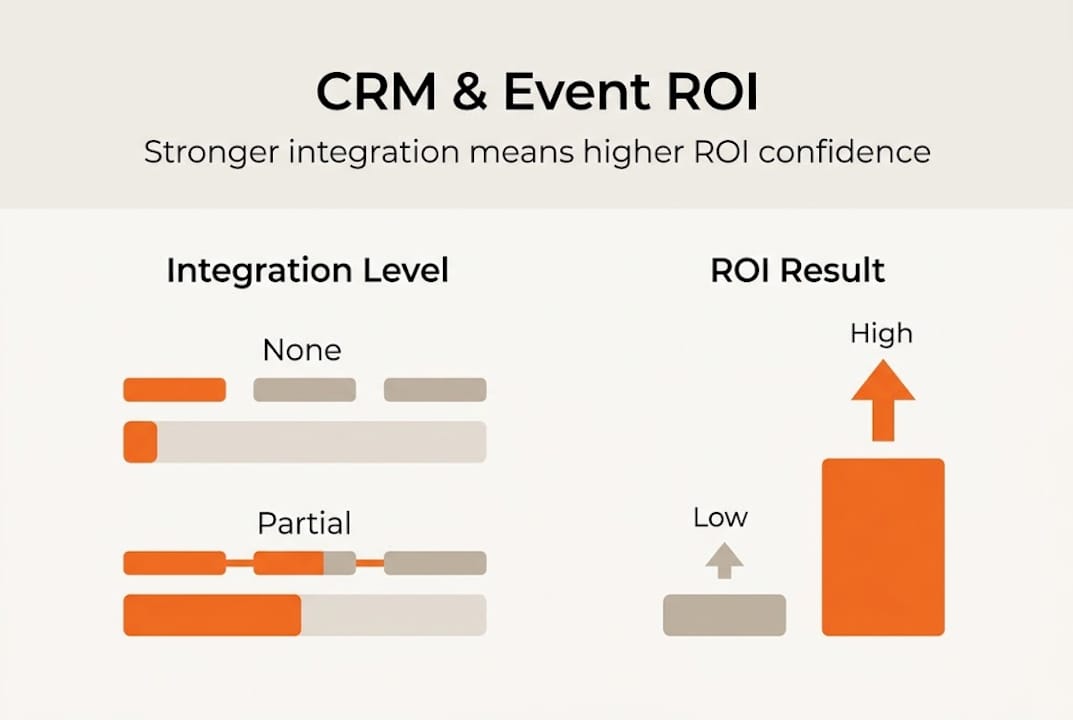
When CRM is connected to your event stack, it stops being a passive record-keeper and starts functioning as an active engagement engine. Event marketing automation paired with CRM data allows you to trigger personalized follow-ups, score leads based on session attendance, and prioritize outreach based on real behavior rather than guesswork.
CRM also gives your team a shared language. Sales and marketing often operate from different data sets, which creates friction after events. A unified CRM view closes that gap, giving both teams visibility into the same attendee records, conversation history, and engagement scores. CRM team efficiency improves when everyone works from the same data layer.
Pro Tip: Start your CRM integration with just three core data points: registration source, session attendance, and meeting requests. These three signals alone can dramatically improve your post-event prioritization without overwhelming your team.
| CRM integration level | ROI confidence | Conversion improvement |
|---|---|---|
| No integration | Low | Minimal |
| Basic integration | Moderate | Incremental |
| Full workflow integration | High | Significant |
Building a strong event marketing B2B framework starts with recognizing CRM not as a tool you check after the event, but as the operating system your entire program runs on. 🚀
Key functions of CRM in the event lifecycle
CRM doesn't just help after the event ends. Its value spans the entire lifecycle, and understanding where it fits at each stage helps you capture more signal and act on it faster.
Pre-event: This is where segmentation and personalized communication drive registration quality. CRM lets you identify high-value prospects, tailor your outreach, and set engagement benchmarks before anyone walks through the door.
During the event: Real-time check-in data, session tracking, and meeting logs feed directly into attendee profiles. Engagement scoring updates as interactions happen, giving your team live visibility into who is most active.
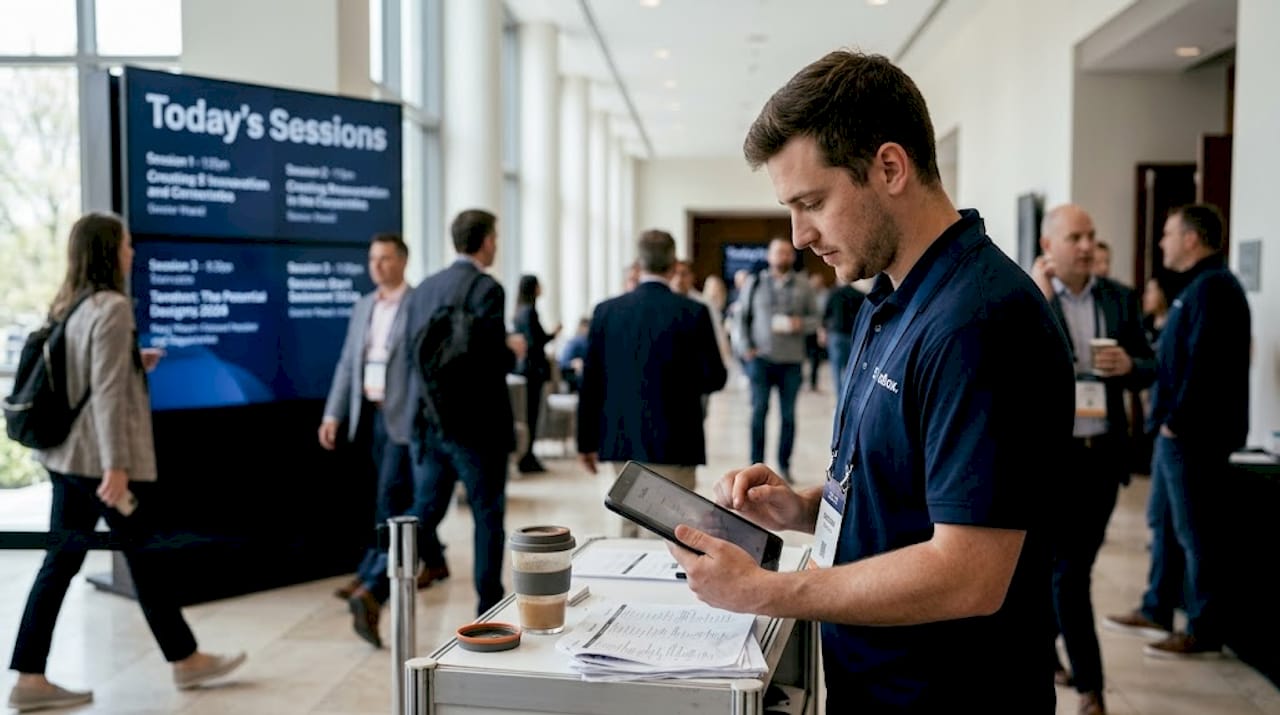
Post-event: This is where most teams lose momentum. CRM-powered event lead nurturing workflows automate follow-up sequences based on what each attendee actually did, not a generic blast to everyone who registered.
Here are the key CRM-powered actions at each stage:
- Pre-event: Segment your invite list by persona, industry, and deal stage
- Pre-event: Personalize registration confirmation and agenda recommendations
- During: Log session attendance and meeting notes directly to contact records
- During: Trigger real-time alerts for high-intent behaviors like demo requests
- Post-event: Score leads based on engagement depth and route to sales
- Post-event: Launch automated nurture sequences tied to specific session topics
Metrics you can track with an integrated CRM include:
- Registration source and conversion rate by channel
- Session attendance rate and drop-off patterns
- Meeting volume and quality scores
- Lead score changes from pre to post-event
- Pipeline influenced and revenue attributed
"CRM-centralized data improves ROI proof and event outcomes by giving teams a unified view of attendee behavior across every stage of the event."
Pro Tip: Set a numeric benchmark for each lifecycle phase before the event starts. For example, target a 30% session attendance rate or five new qualified meetings per day. Benchmarks make incremental gains visible and give your team something concrete to optimize toward.
The event automation benefits compound when CRM workflows are active at every stage, not just the final follow-up. 🎯
From engagement to measurable ROI: The data workflow
Knowing your CRM has data is different from knowing how to turn that data into a credible ROI story. The workflow matters as much as the technology.
Every attendee interaction creates a signal. A session view, a booth visit, a content download, a meeting scheduled. CRM captures these touchpoints and assembles them into a unified attendee profile. That profile becomes the foundation for every downstream decision, from sales prioritization to budget justification.
CRM integration leads to higher visit-to-registration conversion and enables confident ROI measurement. The industry benchmark for visit-to-registration conversion sits around 21.5%, but teams with active CRM workflows consistently outperform that figure by reducing friction and personalizing the path to registration.
| Tracking method | Data accuracy | Follow-up speed | ROI visibility |
|---|---|---|---|
| Manual tracking | Low | Slow | Unclear |
| CRM-driven tracking | High | Fast | Clear |
Here are the steps to tie CRM data to actionable ROI reporting:
- Map every touchpoint to a specific CRM field or activity record
- Assign engagement scores to actions based on their buying intent value
- Connect CRM records to pipeline using opportunity or deal objects
- Track influenced revenue by tagging contacts who attended before closing
- Build a post-event dashboard that shows pipeline created, deals influenced, and cost per opportunity
Optimizing your post-event engagement process is where the biggest ROI gains often hide. Most teams follow up within a week. The ones who act within 24 to 48 hours using CRM-triggered sequences see significantly higher conversion rates.
Understanding why event metrics matter goes beyond reporting. Metrics help you identify which event formats, topics, and audiences generate the best return, so you can double down on what works. 📈
Solving the common challenges: Making CRM work for your events
Even with the right tools in place, real-world execution gets messy. Data quality issues, disconnected workflows, and inconsistent follow-up are the three most common reasons CRM-powered event programs underperform.
40% of event marketers remain challenged by ROI proof even with advanced CRM integration. That statistic points to a process problem, not a technology problem. The fix requires deliberate action.
Here is a step-by-step process to diagnose and resolve CRM-ROI issues:
- Audit your data inputs: Identify which event data fields are consistently empty or inconsistent
- Standardize your taxonomy: Align naming conventions across your event platform and CRM
- Define your engagement model: Decide which actions count as high, medium, and low intent
- Assign ownership: Make one person responsible for CRM hygiene before, during, and after each event
- Test your workflows: Run a dry-run of your follow-up sequences before the event goes live
- Review and iterate: Schedule a post-event debrief focused specifically on data quality and workflow gaps
Segmentation is where many teams leave value on the table. Generic follow-up emails get ignored. Event segmentation tips help you group attendees by behavior, role, or interest so your outreach feels relevant rather than automated.
Personalization amplifies this further. When you personalize event outreach based on what someone actually did at your event, response rates improve meaningfully. CRM makes this scalable.
"CRM workflow optimization is less about adding more automation and more about removing the friction that prevents your team from acting on the signals already in your system."
Strong event follow-up strategies are built on clean CRM data and clear ownership. When both are in place, your team stops guessing and starts executing with confidence. 💡
A practical perspective: Why data isn't enough—action drives event ROI
Here's something the industry doesn't say loudly enough: most event teams are drowning in data and starving for action. CRM dashboards fill up with engagement scores, session logs, and lead grades. Then the team spends two weeks analyzing everything before sending a single follow-up.
The teams generating the best event ROI aren't the ones with the most sophisticated reporting. They're the ones who act on early CRM signals while the event is still happening. A prospect who requested a meeting, attended two sessions, and downloaded a resource is telling you something right now. Waiting for the post-mortem to respond is a missed opportunity.
Operational agility matters as much as analytic power. The next phase of event success belongs to teams that treat CRM not as a reporting tool but as a real-time decision engine. Measurable event acquisition comes from acting on intent signals quickly, not from perfecting your attribution model after the fact.
Build your CRM workflows to trigger action, not just capture data. That shift in mindset is where compounding ROI begins. 🔥
Maximize your event's potential with smarter CRM workflows
You now have a clear picture of how CRM drives event success, from lifecycle management to ROI reporting to real-time action. The next step is putting those workflows in place for your own program.
Sandbox is built for exactly this. We help event marketing teams connect engagement data to pipeline, automate follow-up workflows, and generate GTM signal from every event interaction. Whether you're optimizing an existing program or building from scratch, our event marketing workflow ROI approach gives you the systems to make every event accountable. Explore how Sandbox-GTM can help your team turn event moments into measurable revenue. 🚀
Frequently asked questions
How does CRM integration directly impact event ROI?
CRM-centralized data improves ROI proof by giving teams a unified view of attendee engagement, making it straightforward to connect event activities to pipeline and revenue outcomes.
What CRM features are most valuable for event marketers?
The highest-impact features are engagement scoring, lead nurturing automation, attendee segmentation, and centralized communication tracking across the full event lifecycle.
What's the biggest barrier to CRM success in event marketing?
The core barrier is data quality. 40% of organizers struggle with ROI proof despite high integration rates, largely because inconsistent data makes it impossible to track engagement and conversions accurately.
Can small event teams benefit from CRM, or is it just for large organizations?
Small teams benefit significantly from CRM, particularly because automation reduces manual tracking and makes performance visible without requiring a large staff to manage the process.
How do CRMs handle post-event engagement and follow-up?
CRMs automate post-event outreach sequences triggered by specific attendee behaviors, making it easier to nurture leads at scale and measure which follow-up actions drive the highest conversion rates.