

Choosing where to take your business online can open the door to fresh ideas and new opportunities. Every platform brings its own set of features so picking the right one makes a big difference for your goals. Maybe you are looking for something flexible or want the best support. Perhaps design options matter most to you or fast performance tops your list. You might even discover a tool that changes the way you see your project. Curious how different platforms stack up and which one could suit you best? The answers are closer than you think.
Table of Contents
Sandbox GTM
At a Glance
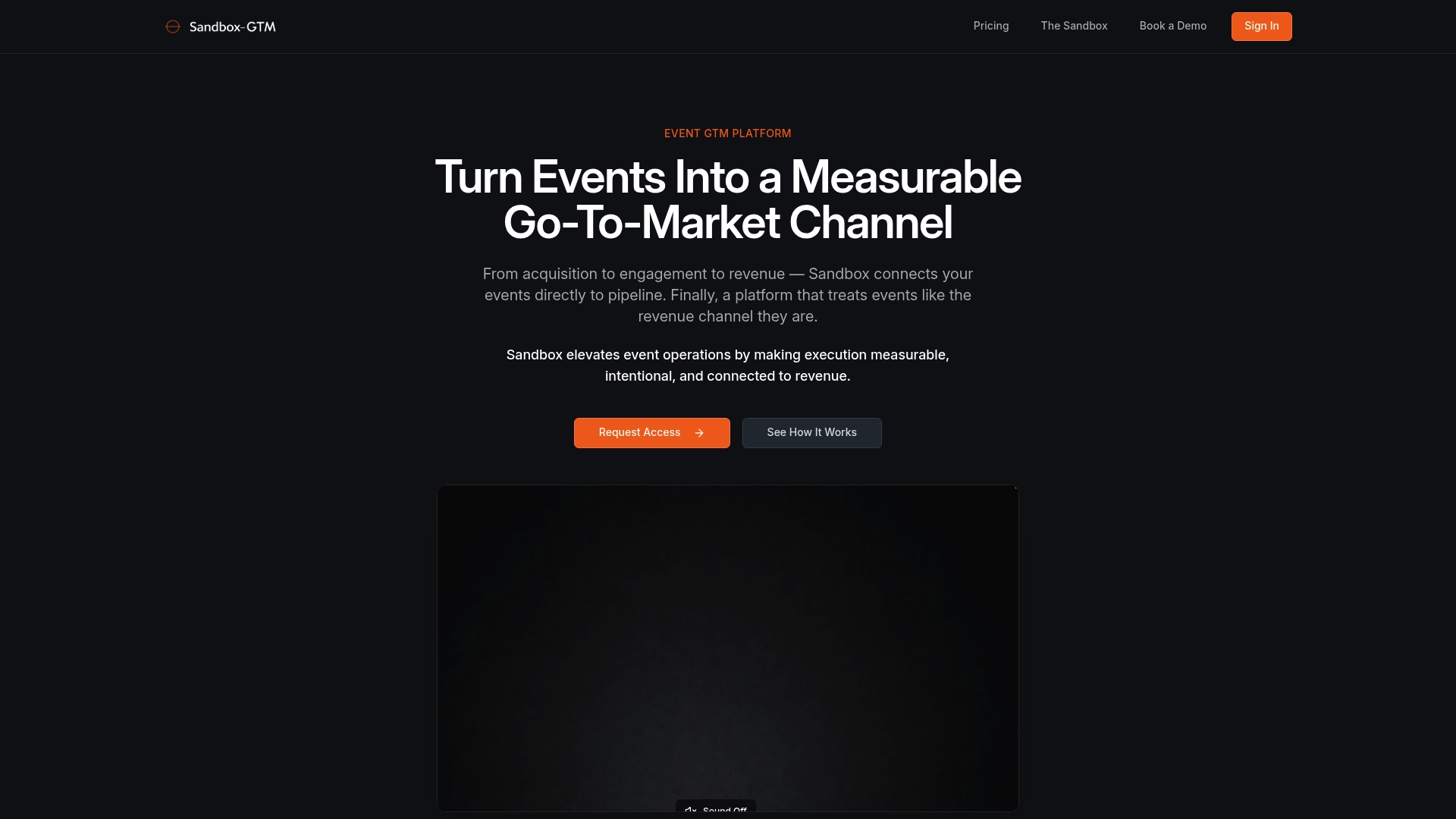
Sandbox GTM turns high-intent event moments into measurable GTM signal. It treats events as a first-class growth channel and combines workflows with hands-on execution to connect event activity to revenue.
This is our top-tier recommendation for teams that need measurable pipeline from events and a platform designed around outcomes not logistics.
Core Features
Sandbox GTM provides unlimited programs and events, robust audience segmentation, attribution links, and intent tracking across meetings and content. The platform captures engagement signals and maps them to clear activation keys for follow up.
Core integrations and APIs are included to connect Sandbox with CRM and marketing automation systems so event data flows directly into your revenue systems.
Pros
-
Flat-rate pricing model: The platform uses simple transparent pricing with no per-event or per-registrant fees which makes forecasting easier for finance and marketing leaders.
-
Built-in integrations and APIs: Core integrations reduce engineering lift and let you push intent and attribution data into existing RevOps stacks.
-
Professional services option: Available services accelerate implementation and create faster time to impact for complex programs.
-
Revenue attribution for events: Sandbox supports event measurement and maps activity to pipeline so you can prove impact to stakeholders.
-
Scale without gates: Unlimited programs and events let field marketing teams run more experiments without hitting usage limits.
Who It's For
Sandbox GTM is ideal for event marketing, demand generation, field marketing, and RevOps teams at mid-sized and large organizations. It fits teams that run recurring programs or flagship conferences and need a revenue aware, measurable approach.
Choose Sandbox when you require end to end event signal that directly informs follow up and pipeline reporting.
Unique Value Proposition
Sandbox positions events as an accountable growth channel by combining opinionated GTM workflows with execution support. That pairing delivers not only the signal but the systems and playbooks teams need to act on it, which separates Sandbox from tools that stop at data collection.
Sophisticated buyers choose Sandbox because it connects intent across meetings, live interactions, and content to the exact next actions for sales and marketing. The result is faster conversion, clearer attribution, and a repeatable program template you can scale.
Real World Use Case
A marketing team uses Sandbox GTM to plan and execute a national roadshow and capture attendee intent at every touchpoint. Event signals feed into the CRM, trigger segmented follow up, and report directly on pipeline attribution in monthly revenue reviews.
That same team reuses audience segments and activation keys across webinars and trade shows to accelerate conversions and show measurable program ROI.
Pricing
Platform license costs $3,500 per month or $36,000 annually with annual prepayment. Professional services are optional and available at additional cost.
Note that pricing may be high for smaller organizations and full implementation can benefit from professional services which adds complexity and cost.
Website: https://www.sandbox-gtm.com
Splash Event Marketing Platform
At a Glance
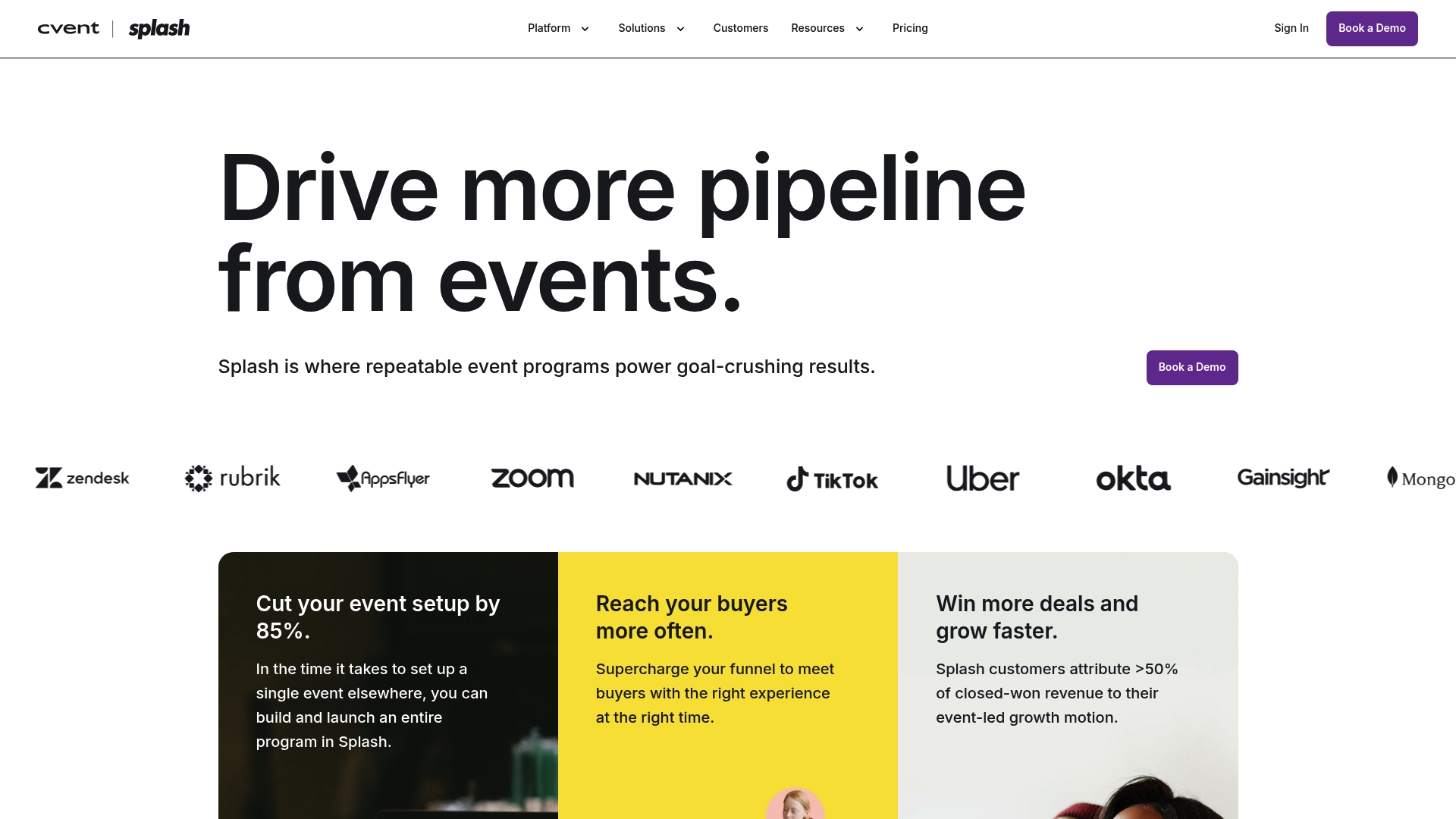
Splash is a full featured event marketing platform built for teams that need branded experiences and measurable event ROI. It balances deep customization with enterprise grade integrations so marketing and event teams can drive pipeline from live and virtual programs.
Core Features
Splash combines Event Design tools with robust Guest Management and native Ticketing to manage end to end event workflows. The platform also offers a Virtual Venue, on site tools for check in and badge printing, and reporting that ties event activity to CRM and MAP systems.
Pros
-
Highly customizable branding: You can produce on brand event pages and emails that match complex style guidelines without developer handoffs.
-
Seamless integrations with CRMs and MAPs: Native connections let you push attendee intent data directly into sales and marketing systems for follow up.
-
Prebuilt and custom reporting: Dashboards and exportable reports simplify ROI measurement and help you prove event contribution to pipeline.
-
Scales to enterprise needs: User roles, compliance settings, and security features support larger organizations and multiple teams.
-
Responsive customer resources: Support and onboarding materials are positioned to speed adoption and reduce setup friction.
Cons
-
Steep learning curve for new users: The platform’s breadth of features requires training before teams operate at peak efficiency.
-
Pricing requires direct contact: Costs are tailored and often need sales conversations which makes quick budgeting difficult.
-
Advanced features may exceed simple needs: Small events with minimal complexity may not need the platform’s full capability set.
Who It's For
Splash is best for marketing teams, enterprise event planners, and revenue focused organizations that run frequent or complex events. If you are measuring pipeline attribution and need branded experiences across virtual, hybrid, and in person formats, Splash aligns with those priorities.
Unique Value Proposition
Splash stands out by combining strong design controls with data forward reporting that connects event activity to revenue systems. That combination helps teams treat events as demand signals rather than discrete logistics tasks.
Real World Use Case
Expedia Group used Splash to cut event setup time by more than 60 hours, tighten ROI tracking, and attribute revenue directly to event programs. That kind of time savings and measurable impact demonstrates Splash’s value for complex event portfolios.
Pricing
Pricing is tailored per plan with Pro and Enterprise levels available. Most organizations will require a custom quote based on attendee volume, integrations, and support needs.
Website: https://splashthat.com
Bizzabo
At a Glance
Bizzabo is an event management platform built to run in-person, virtual, and hybrid programs using the Event Experience OS. It focuses on registration, engagement, networking, and analytics to help teams measure event ROI and attendee value. Quick takeaway: strong for frequent or large-scale events.
Core Features
Bizzabo combines registration and ticketing, attendee engagement tools like chat polls and Q&A, and networking features such as 1:1 messaging and matchmaking. The platform includes live streaming, virtual venue support, and onsite capabilities like badge printing and Klik SmartBadge™. It also supports integrations and advanced analytics for post-event measurement.
Pros
- All-in-one platform: It supports virtual hybrid and in-person events, reducing the need for multiple vendors and simplifying operations.
- Robust engagement features: Chat polls Q&A and matchmaking increase attendee interaction and provide usable engagement signals for follow up.
- Scalable solutions: The system adapts from medium conferences to global events with customizable workflows and premium add-ons for specialized needs.
- Security and compliance: The platform maintains strong security standards which matter when handling attendee data and corporate events.
- Customer support and onboarding: Dedicated support and onboarding help teams adopt the system faster and get events running smoothly.
Cons
- Pricing may be higher for smaller organizations or infrequent event organizers and can push budgets for occasional programs.
- Some advanced features require additional premium add-ons which increases total cost and complicates the procurement process.
- The comprehensive feature set produces a learning curve so teams need time and training to use advanced analytics and customization well.
Who It's For
Bizzabo fits organizations and brands that host large scale or frequent events and need a data driven event management solution. Marketing and event teams that must tie event activity to pipeline and revenue will find the platform especially useful.
Unique Value Proposition
Bizzabo positions itself as an integrated Event Experience OS that turns event activity into measurable outcomes through engagement tools and analytics. The platform unifies onsite virtual and post event workflows so teams can act on intent signals captured across meetings content and live interactions.
Real World Use Case
A global conference uses Bizzabo to manage registration stream sessions enable attendee networking and deliver post event analytics. The platform handles badge printing check in live streaming and matchmaking which leads to higher engagement metrics and clearer ROI reporting for sponsors and stakeholders.
Pricing
Pricing starts at $499 per user per month billed annually with a minimum of 3 users. The full platform has an annual starting price of $17,999 which includes core features and baseline support. Premium add-ons and enterprise services carry additional costs.
Website: https://www.bizzabo.com
Swoogo
At a Glance
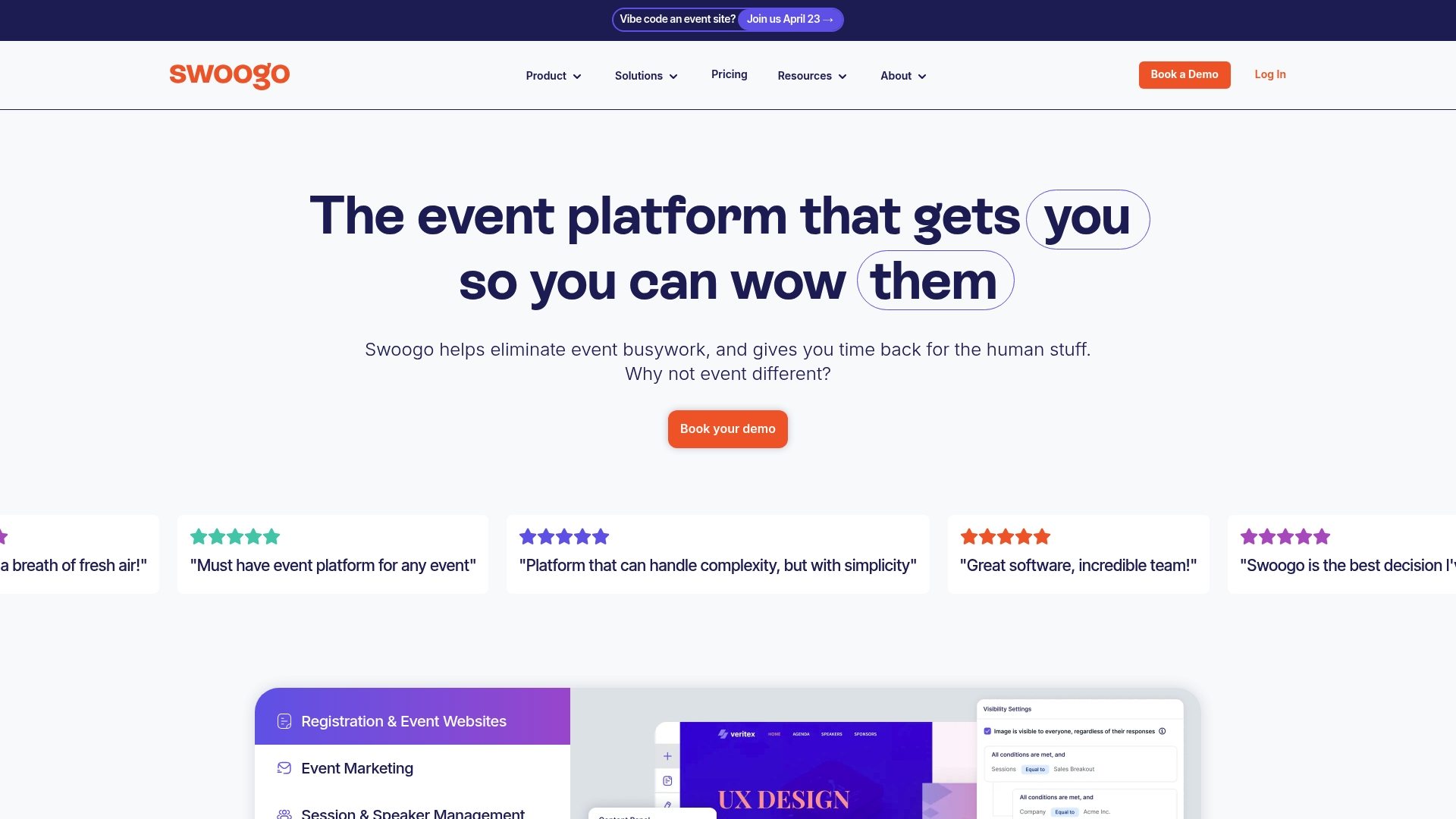
Swoogo is an event platform that bundles registration, attendee insights, logistics, marketing, and virtual capabilities into a single solution. The bottom line: it fits medium to large organizations that need deep customization and strong in house support to measure event impact.
Core Features
At its core Swoogo offers Registration, Data + Insights, Event Logistics, Integrations, and Event Marketing so teams can build complex registration flows and track engagement across formats. The platform also provides in house support to help configure workflows and integrations for enterprise deployments.
Pros
- Comprehensive feature set: Swoogo covers registration, marketing, logistics, virtual delivery, and analytics so teams avoid stitching multiple point solutions.
- Scalable for many events: The platform adapts to small webinars and large conferences while supporting enterprise requirements during peak seasons.
- Strong in house support: Swoogo provides direct customer service that helps teams configure workflows and resolve deployment issues quickly.
- Flexible customization and integrations: Deep form customization and broad integration options allow teams to connect event data to CRM and marketing automation platforms.
- Handles complex registration flows: The system supports advanced attendee journeys and hybrid event setups without forcing workarounds.
Cons
- Higher pricing: Pricing may be above simpler registration tools which can be a barrier for teams with limited budgets.
- Steep learning curve: Advanced features and deep customization require time and technical know how before teams reach full efficiency.
- Complex interface for basic use: Users who only need simple registration may find the interface more complicated than necessary.
Who It's For
Swoogo targets medium to large organizations and professional event teams that need a single platform to run registration, virtual delivery, and analytics. It suits event marketers who must connect attendee intent to pipeline and who require support for multi format programs.
Unique Value Proposition
Swoogo combines deep registration customization and built in marketing automation with event level analytics so teams can manage logistics and capture actionable intent in one place. That single platform reduces data handoffs and helps preserve the signal that drives follow up.
Real World Use Case
A global corporation uses Swoogo to manage multiple hybrid conferences each year by centralizing registration, hosting virtual sessions, and applying analytics to attendee engagement. The team exports event data into CRM to prioritize sales follow up and to report event driven pipeline to stakeholders.
Pricing
Pricing details are available on the website and include Professional and Enterprise plans with custom options for larger organizations. Contacting Swoogo is required to get a tailored quote that reflects event volume, integrations, and support needs.
Website: https://swoogo.events
Event Farm
At a Glance
Event Farm is a suite of event engagement applications built to handle in person, virtual, and hybrid events with a focus on registration, check in, engagement, and safety. Its design targets organizers who need integrated attendee workflows and measurable outcomes.
Core Features
Event Farm combines a Registration platform, Check-In app, Engagement tools (EFx), and an Attendee mobile app to manage the attendee lifecycle from sign up to session feedback. The platform also includes Zoom integration for virtual sessions and Event safety management including COVID testing workflows.
Pros
- Comprehensive toolset for all formats: The product supports in person, virtual, and hybrid events which reduces the need to stitch multiple vendors together for a single program.
- Customizable branding: Organizers can apply branded registration pages and emails so attendee touchpoints match corporate identity and sponsor commitments.
- Native Zoom integration: Built in Zoom support simplifies virtual session management and reduces setup complexity for online programs.
- Strong engagement features: The EFx engagement tools and mobile experience encourage interaction and provide ways to collect attendee feedback and activity data.
- Safety and testing support: Integrated safety protocols and COVID testing solutions help planners manage compliance and onsite risk for large gatherings.
Cons
- Pricing information is not detailed which makes budgeting for large or recurring programs difficult without a direct sales conversation.
- The available content does not describe the user interface or ease of use so adoption risk and training needs are unclear.
- Integration details beyond Zoom are limited which may leave questions about syncing data with CRM, marketing automation, or analytics systems.
Who It's For
Event Farm suits event organizers, corporate marketing teams, conference planners, and trade show coordinators running large or complex events who want a unified platform for registration, onsite operations, engagement, and safety. Teams that value built in virtual capabilities and branded attendee experiences will get the most from the product.
Unique Value Proposition
Event Farm positions itself as an all in one event engagement platform that treats events as measurable programs rather than isolated logistics. The combination of registration, onsite check in, dedicated engagement tools, and safety workflows creates a single source of truth for event teams focused on attendee experience and sponsor outcomes.
Real World Use Case
A large conference uses Event Farm to manage online registration, provide a branded event app, run virtual sessions via Zoom, and operate onsite check in and COVID screening. The integrated approach improves attendee satisfaction and increases sponsor visibility while producing consolidated event metrics.
Pricing
Pricing details are available on the website and specific costs are not provided in the supplied content. Interested buyers should contact Event Farm for quotes tailored to event size, feature needs, and safety services.
Website: https://eventfarm.com
EventCreate
At a Glance
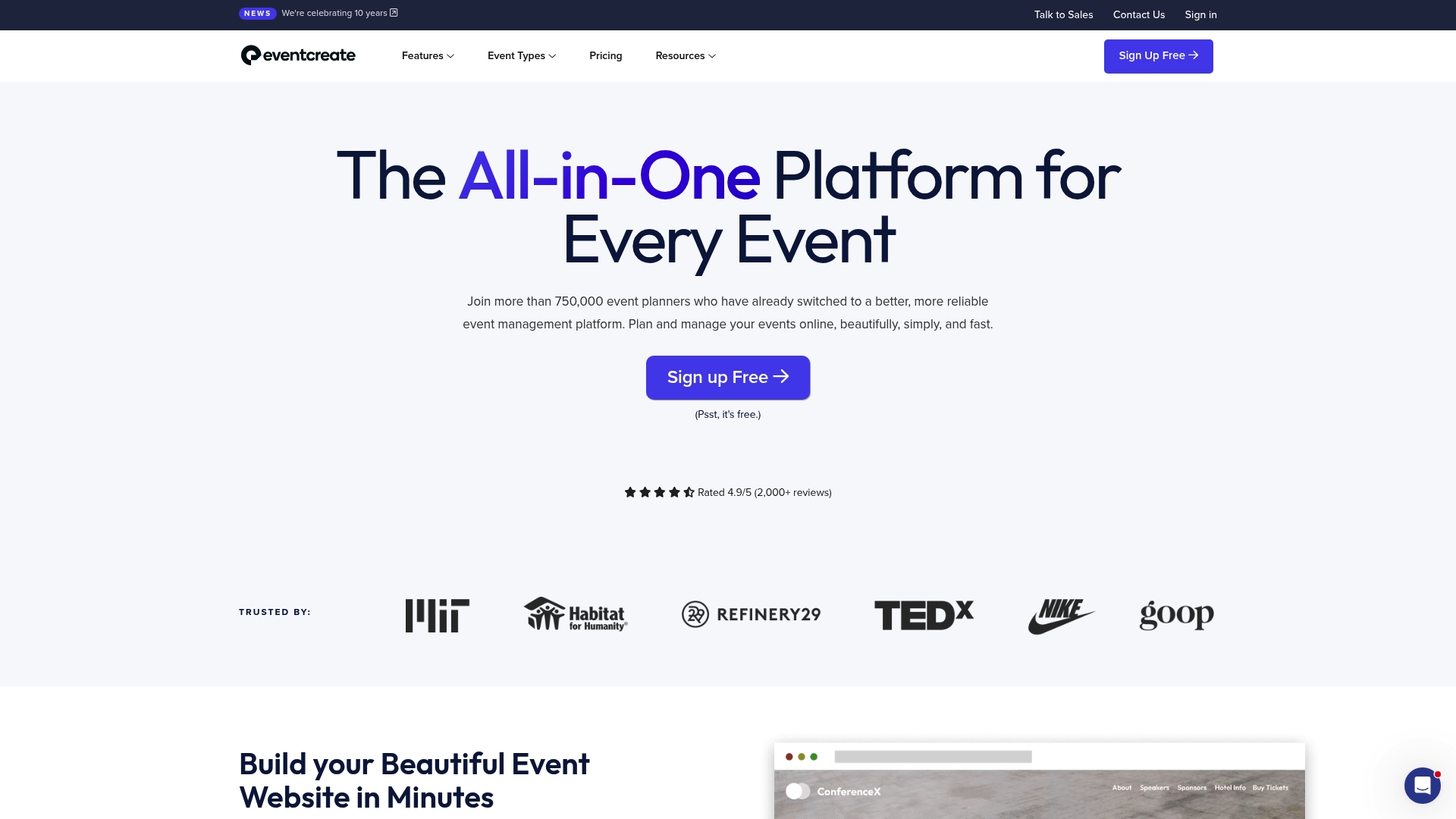
EventCreate is an all in one event planning platform trusted by over 750,000 event organizers for design forward event websites, registration, and ticketing. It combines marketing, logistics, and attendee engagement tools in a single interface, making it practical for teams that run varied programs.
EventCreate balances ease of use with depth; it works well for organizers who want strong customization without building from scratch, though pricing details are not provided in the supplied data.
Core Features
EventCreate provides a broad toolkit for event production including website creation, registration flows, and attendee communication. The platform emphasizes professional templates and integration with third party services to reduce manual work.
- Event Websites for branded, customizable pages that require no coding.
- Event Registration and Online RSVP with ticketing and ecommerce features for add ons and sessions.
- Attendee Management including session tracking, check in apps, and lead retrieval for post event follow up.
- Speaker Management, Sponsor Management, and Exhibitor Management to coordinate programming and partners.
Pros
- User friendly platform: The interface supports both small and large events so teams get productive quickly without heavy training.
- Comprehensive feature set: Website building, registration, ticketing, check in, and engagement tools live in one place, reducing the need for multiple vendors.
- No coding required: Highly customizable event websites allow marketing teams to match brand standards without developer time.
- Strong satisfaction ratings: The product reports high customer satisfaction with review scores near 4.9/5 on multiple sites.
- Reliable support and uptime: Responsive customer support and dependable service help reduce operational risk during events.
Cons
- Pricing transparency is limited: The provided information does not include specific pricing or plan details, making procurement comparisons harder.
- Feature density may overwhelm: Users seeking a minimal platform may find the breadth of tools unnecessary and complex.
- Advanced features require learning: Teams will need time to master session tracking, integrations, and deeper attendee tools for full value.
Who It's For
EventCreate fits event organizers and planners who need an all in one solution with strong customization and operational controls. It serves corporate events, conferences, festivals, and social gatherings where a single platform for websites, registration, and onsite management matters.
Unique Value Proposition
EventCreate stands out by packaging professional design, registration commerce, and attendee operations in a single product. That combination lets marketing and events teams own the attendee journey from site to check in without stitching multiple systems.
Real World Use Case
An events team builds a conference website, sells tickets and session passes online, runs speaker and sponsor pages, tracks attendance in sessions, and uses check in apps and badges to capture leads for sales outreach, all managed from one account.
Pricing
Pricing information is available on their website, but specific prices are not listed in the provided content. Teams should consult the vendor site for plan options and enterprise licensing details.
Website: https://eventcreate.com
Event Management Platforms Comparison
The following table compares different event management platforms to aid teams in selecting the best tool for their needs.
| Platform | Key Features | Pros | Cons | Pricing |
|---|---|---|---|---|
| Sandbox GTM | Unlimited programs and events, audience segmentation, CRM integrations | Flat-rate pricing, professional services, event activity tied to revenue | High pricing for smaller organizations | $3,500/month or $36,000 annually |
| Splash | Event design, guest management, ticketing, virtual venue | Customizable branding, integration with CRMs, responsive customer resources | Tailored pricing requires communication, may exceed simple needs | Contact for tailored pricing |
| Bizzabo | Registration and ticketing, live streaming, networking and engagement features | All-in-one platform, robust engagement features, scalable | Higher pricing and additional costs for advanced features | Starting at $17,999 annually |
| Swoogo | Registration and logistics, virtual delivery, deep customization integrations | Comprehensive feature set, scalable for various events, in-house support | Higher cost for advanced features and steeper learning curve | Contact for pricing |
| Event Farm | Registration, engagement tools, native Zoom integration, safety workflows | Safety-focused solutions, comprehensive toolset for various formats | Limited pricing transparency and integration details | Contact for pricing |
| EventCreate | Website creation, registration flows, e-commerce, attendee management | User-friendly, highly customizable without coding, strong customer satisfaction | Pricing transparency is limited, advanced features may require additional learning | Pricing listed on website |
Transform Your Event Marketing with Measurable Growth Signals
When exploring alternatives like those in "Top 6 gpj.com Alternatives 2026" you want a solution that does more than just manage logistics. The biggest challenge is turning high-intent event interactions into clear, actionable growth signals that directly impact your pipeline and revenue. Many platforms fall short of providing the insight teams need to know who to follow up with and what steps generate conversions. Sandbox GTM addresses these pain points by treating events as a first-class growth channel rather than a checklist.
Sandbox combines opinionated go-to-market workflows with deep execution support to capture intent across meetings, live interactions, and content engagement. This helps marketing and RevOps teams accelerate demand generation and prove the revenue impact of every event. If you are ready to make events accountable and scalable, discover how Sandbox can power your next program with measurable outcomes at Sandbox GTM.
Unlock the future of event-driven growth today.
Explore how Sandbox turns your event signals into revenue by visiting Sandbox GTM and start transforming your event strategy now.
Frequently Asked Questions
What are some features to look for in alternatives to gpj.com?
To find effective alternatives to gpj.com, focus on key features such as user-friendly interfaces, customization options, integration capabilities with other tools, and robust customer support. Evaluate your team's specific needs and prioritize platforms that streamline your workflows effectively.
How can I compare different gpj.com alternatives?
You can compare gpj.com alternatives by creating a checklist of must-have features, pricing structures, and customer reviews. Conduct a side-by-side analysis to see which options align with your goals and budget.
What should I consider when transitioning from gpj.com to an alternative?
When transitioning from gpj.com, consider the data migration process, potential training for team members, and any downtime. Plan to execute the transition gradually over a defined period, such as 30 days, to minimize disruption and ensure a smooth switch.
How do I evaluate the pricing of gpj.com alternatives?
To evaluate the pricing of gpj.com alternatives, compare subscription models, including monthly and annual fees. Look for transparent pricing with no hidden costs, and consider creating a budget based on your projected usage and team size.
Can I try gpj.com alternatives before committing?
Yes, many gpj.com alternatives offer free trials or demo versions. Sign up for these trials to explore features and functionalities before making a long-term commitment, which can help ensure you find the best fit for your needs.
What are some common pitfalls to avoid when choosing a gpj.com alternative?
Common pitfalls include ignoring user reviews, overlooking customer support availability, and underestimating the learning curve. Take the time to research thoroughly, and involve your team in the evaluation process to avoid surprises after the switch.